Big Relief! GST Portal Allows Appeal Filing Against SPL-07 Rejection
Big Relief! GST Portal Allows Appeal Filing Against SPL-07 Rejection
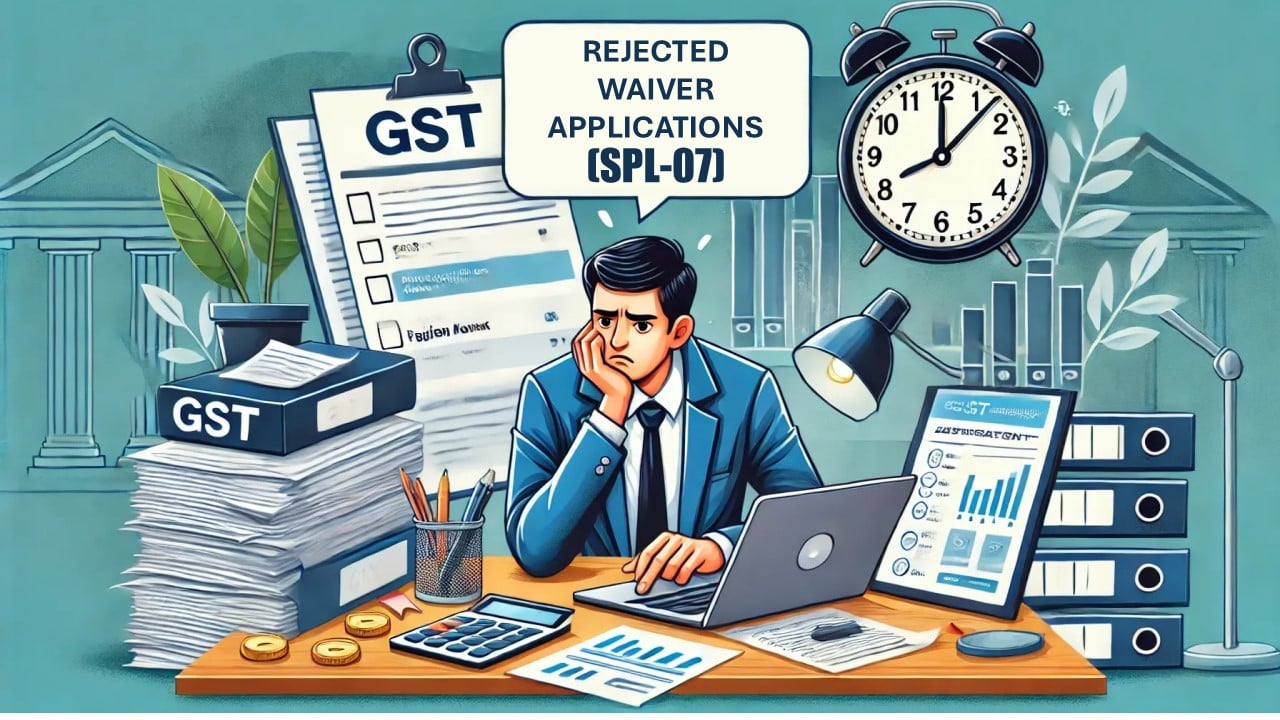
On July 16, 2025, the GST department introduced a new update in the portal. Numerous taxpayers had earlier filed waiver applications in Forms SPL 01/SPL 02 (meaning asking for relief from paying GST dues). After reviewing those applications, the GST department is now issuing orders to those taxpayers.
These orders are divided into two types:
- SPL-05: This means your waiver application has been accepted.
- SPL-07: This means your waiver application has been rejected.
According to the update, the taxpayers who have now received the SPL-07 rejection order can now submit an appeal against this rejection using form APL-1 on the GST portal. Earlier, this permission was not allotted.
Here are the steps to file an appeal against the rejection order of the GST department:
- Step 1: Visit the GST Portal.
- Step 2: Navigation Path: Services → User Services → My Application
- Step 3: Under Application Type, choose “Appeal to Appellate Authority.”
- Step 4: Now, click on “New Application.”
- Step 5: In the appeal form, under Order Type, select “Waiver Application Rejection Order” and enter all other necessary details and then file the appeal.
Significant Warnings:
Once you file an appeal under the waiver scheme, you cannot reverse that appeal from the GST portal. Hence, all taxpayers are advised to be very careful before filing it. Even double-check the information after filing.
If you don’t want to file an appeal against the SPL-07 order (rejection order), and instead you want to bring back your earlier appeal, i.e., the one you had withdrawn to apply for a waiver, you can do that by following the steps below:
- Step 1: Visit the “Orders” section inside your “Waiver Application” case folder on the portal.
- Step 2: You will see an option there to submit an undertaking.
- Step 3: Submitting this undertaking will help you get back your previous appeal against the initial demand order.
If you face any problem or technical error while doing any of the above, you can raise a support ticket on the GST Helpdesk at https://selfservice.gstsystem.in.